
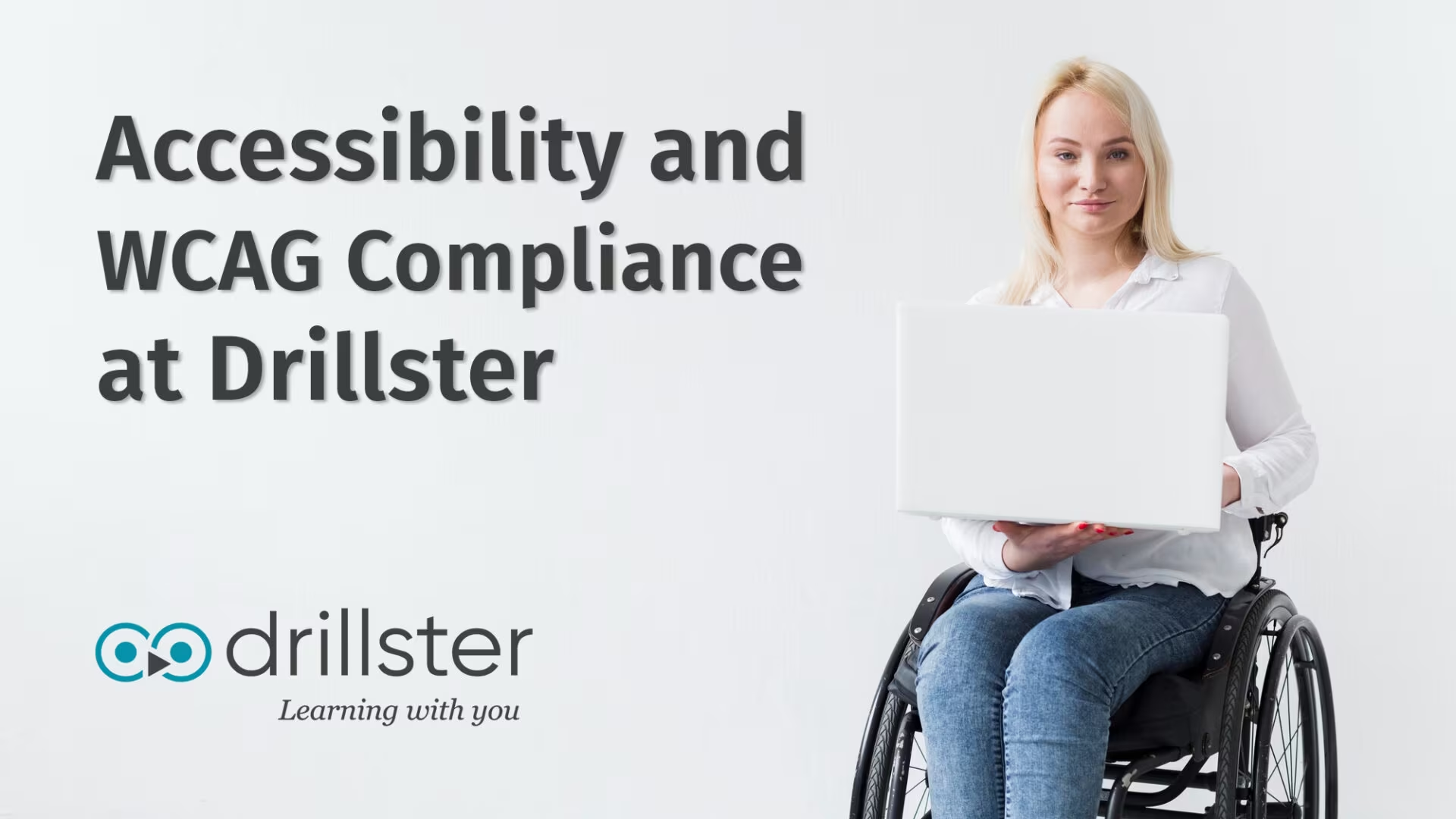
Accessibility and WCAG Compliance at Drillster
At Drillster, we are committed to making learning accessible to everyone. That’s why our platform is designed and developed according to theWeb Content Accessibility Guidelines (WCAG)2.2, levels A and AA.
At Drillster, we are committed to making learning accessible to everyone. That's why our platform is designed and developed according to the Web Content Accessibility Guidelines (WCAG) 2.2, levels A and AA. These internationally recognized standards help ensure digital content is usable for people with various disabilities, including visual, auditory, physical, cognitive, and neurological conditions.
Standards We Follow
Drillster supports accessibility in the following ways:
- Visual content is always accompanied by descriptive text alternatives.
- The Drillster widget player is fully navigable using a keyboard , including arrow keys for intuitive control.
- We provide strong color contrast , text resize , and clear visual focus indicators .
- All components are developed to work with screen readers and expose semantic roles and states .
- Our layout and content adapt seamlessly to different screen sizes and input methods .
Cross-Browser & Assistive Technology Compatibility
Drillster is regularly tested against the most commonly used browsers (such as Chrome, Firefox, Safari, and Edge) to ensure consistent and accessible experiences. The platform is also compatible with screen readers, supporting users who rely on assistive technologies.
Curious how it works?
Get a free demo account and try adaptive learning yourself.
Ongoing Accessibility Commitment
Accessibility is an ongoing journey. We continuously test, monitor, and improve our platform to align with evolving standards and user needs, including updates introduced in WCAG 2.2. The Drillster app provides more smart features that allow learners to better understand the content, including:
- The possibility of the Drillster Question Crafter to create content at a specific language level . If your target group is, for example, a young audience, or people who are non-native speakers, you can instruct the Drillster Question Crafter to create content at language levels Basic (A1, A2), Intermediate (B1, B2), or Advanced (C1).
- The possibility to have text read aloud , in many languages, and choose different voice types for text-to-speech purposes.
Need Help or Want to Give Feedback?
If you encounter any accessibility issues or have suggestions for improvement, your feedback is always much appreciated. Please contact our support team at support@drillster.com (opens in new tab) — your input helps us make learning even more accessible for everyone.
Did you enjoy this article?
Subscribe and we will send you more like this from time to time. No spam, ever. Just thoughtful reads on the science of learning and how it meets critical business needs.